
“ Why can I cut stainless steel yesterday, but not work today? I haven't made any changes to the machine. Why?”
Do you meet the same problem?
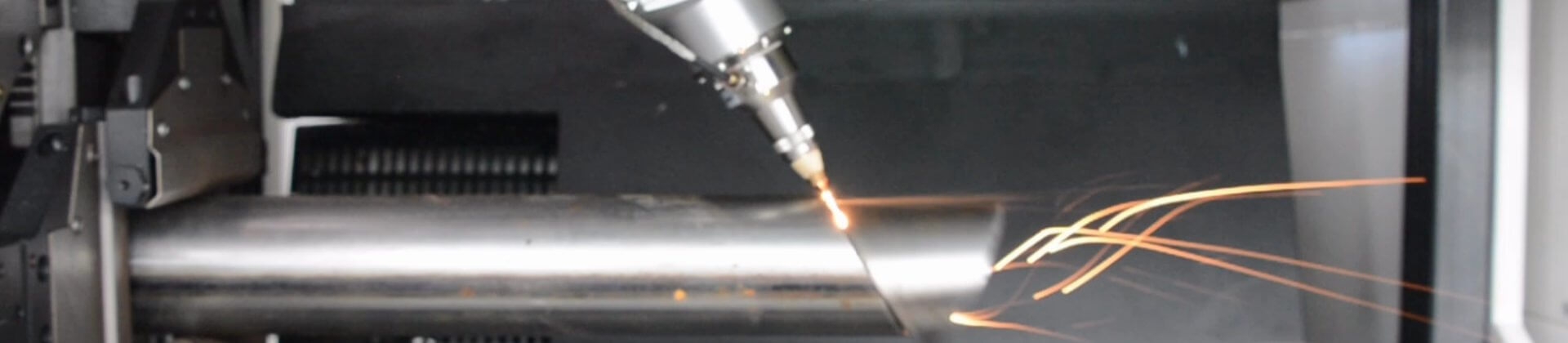
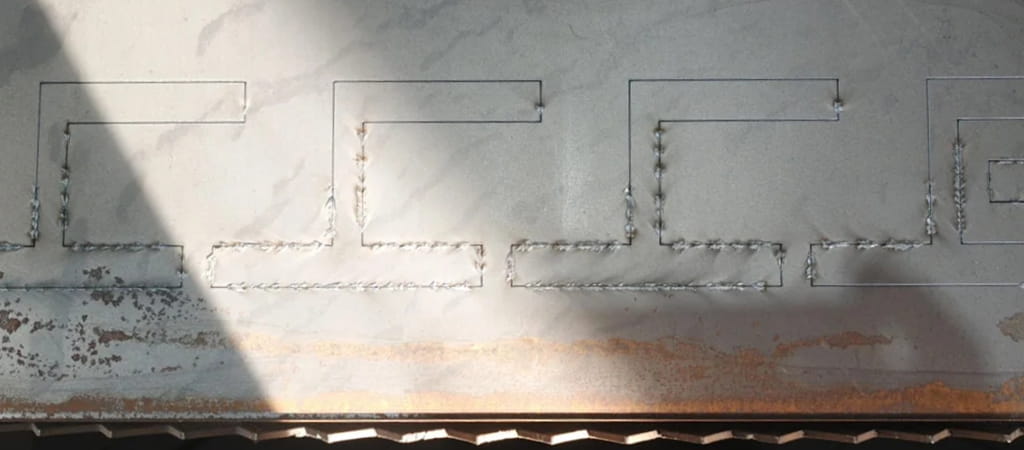
Incomplete penetration is a common quality issue in stainless steel laser cutting, often resulting in poor edge quality, secondary processing, and reduced production efficiency. Although cutting parameters in the CNC control system may remain unchanged, variations in actual operating conditions can significantly affect cutting performance.
The discussion focuses on practical engineering aspects, including nozzle condition and alignment, assist gas pressure and purity, focal position stability, optical component contamination, material surface condition, and sheet flatness.
The 5 Most Likely Causes (in order of probability)
1️⃣ Dirty Nozzle
Symptoms: Unclean cut at the bottom of the kerf
Incomplete cutting in some areas
Sparks splashing upwards
Cut edge has "sawtooth pattern + slag"
Why was it fine yesterday but not today?
The nozzle is a consumable part:
Splashed with molten slag
Slightly bumped against the workpiece
Internal bore erosion
It may not be obvious to the naked eye, but the airflow is already disrupted.
Solution:
Remove the nozzle and check if the hole is round using a magnifying glass.
Replace with a new nozzle for testing (the fastest verification method).
Perform nozzle concentricity calibration again.
Experience: In many factories, 70% of "sudden cutting problems" are due to nozzle issues.
2️⃣ Abnormal Assist Gas (Pressure/Purity)
Check: Is the nitrogen/oxygen pressure lower than yesterday?
Is the gas cylinder almost empty?
Is there condensation in the pipeline?
Is the solenoid valve sluggish? Simple Diagnosis:
Observe during cutting:
Is the spark spraying straight down (normal)?
Or is it scattering/diffusing/going upwards (gas problem)?
Solution:
Measure dynamic pressure during cutting
Try a different gas cylinder
Drain water, check the filter
3️⃣ Focus Position Drift
Even if the parameters haven't changed, it could be due to:
Dirty protective lens
Slight lens burn
Automatic focusing misalignment
This will lead to:
Surface is cut, but insufficient energy at the bottom → incomplete cutting
Solution:
Clean/replace the protective lens
Recalibrate the focus
Try lowering the focus by 0.5 ~ 1mm
4️⃣ Material Itself Has Changed (Very Common)
This image looks like:
Oxide scale on the surface
Or uneven plate thickness
Or local inclusions
Common pitfalls:
Changed to a different batch of plates
Different thickness between the edge and the middle of the same plate
Oil, rust, or coating on the surface
Solution:
Measure the actual thickness with a caliper
Test with a different piece of material
Try cutting at a 10-20% reduced speed
5️⃣ Z-axis Height Drift / Uneven Plate
If the nozzle is higher than yesterday:
→ Energy density decreases
→ Incomplete cutting at the bottom
Check:
Is the capacitive sensor dirty?
Is the follow-up height stable?
Is the plate warped?
II. Fastest Troubleshooting Process (No Unnecessary Steps)
Following this order, you can pinpoint the problem in 10-20 minutes:
Replace the nozzle
Check and replace the protective lens
Test the gas pressure
Lower the focus by 0.5–1mm
Try cutting at a 15% reduced speed
Usually, the problem is solved by step 2.
If you have any questions about the fiber laser cutting machine for metalworking processing, feel free to contact us.